
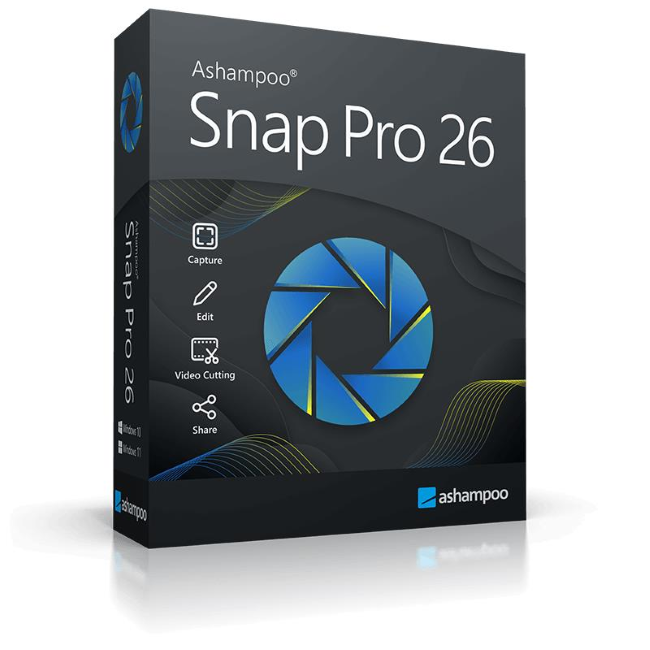
With Ashampoo Snap Pro 26, creating screenshots and videos is easier than ever! Everything that appears on your screen can be captured in seconds. In the image editor, you can edit, annotate, save, and share your captures instantly. New: With Live Edit, you can even mark content directly on your Desktop before the screenshot is taken. Snap Pro 26 also enhances your screenshots with graphical elements such as automatic numbering, comments, stickers, and more. Whether you're working from home, explaining something quickly, or creating detailed tutorials, Snap Pro 26 lets you get the job done faster.
Create and annotate screenshots–right on your desktop
Ashampoo Snap Pro 26 introduces Live Edit. This feature allows you annotate screen contents on your Desktop before taking the screenshot. Arrows, text, or highlights can be placed exactly where they should appear in the final image. This makes creating explanatory screenshots faster and often eliminates the need for additional editing. At the same time, Snap has been technically modernized from the ground up: Ashampoo Snap Pro 26 is more responsive, stable, and resource-efficient.
Operating System
Windows® 11 (64bit), Windows® 10 (64bit)
Software:
.NET Desktop Runtime 9 (X64)
Microsoft Edge WebView2 (X64)
Requirements
Any device that supports the operating systems listed above.
Other
An Internet connection is required to activate the program. The program license is verified repeatedly at regular intervals.