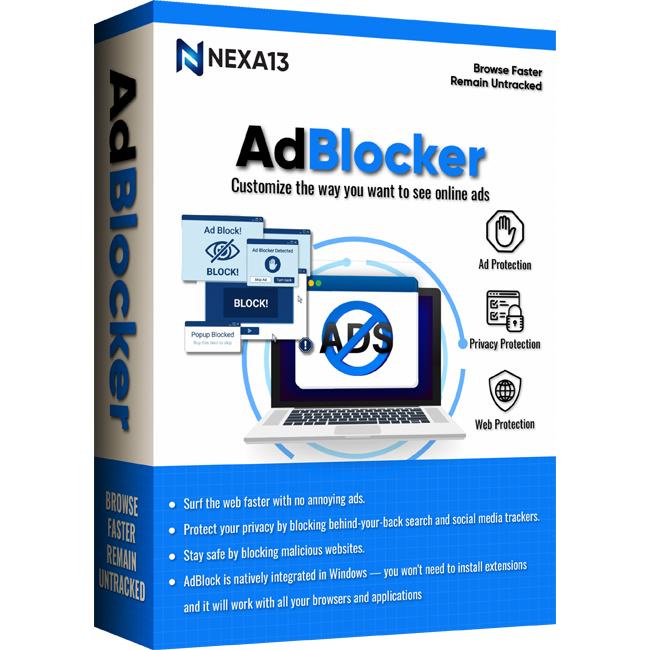
Full control - customize the way you want to see online ads
With Nexa13 AdBlocker, you can block all types of ads. It blocks common ads such as pop-ups, banners, etc. and advanced ads such as search ads, Facebook ads, YouTube ads, audio and video ads, social media buttons, etc. very easily. You can choose which types of ads you want to block by selecting the ad categories.
Ad Protection
Unlike other ad blockers that only work with specific browsers, Nexa13 AdBlocker is a simple all-in-one solution that blocks ads on the network level. It will work natively with all your browsers and apps, without the need to install extensions.
Privacy Protection
Nexa13 AdBlocker deactivates online trackers so search engines, advertisers and cyber criminals can’t collect your personal data when you’re online.
Web Protection
Nexa13 AdBlocker has built-in anti-malware and anti-phishing protection so you can browse safely.
URL Blocking
Nexa13 AdBlocker blocks ad requests that are sent to denied addresses and returns an empty response to the browser, so requests are not sent at all. It saves internet traffic and decreases page loading time.
CSS scanning
Nexa13 AdBlocker can scan a page’s code and uses special algorithms that change the parameters of any webpage element to hide ads on the page.
HTML filtering
Nexa13 AdBlocker filters HTML code to remove ad images, links and scripts before they reach your browser. Browser extensions can’t do this.
Block social media trackers
Protect your privacy, by blocking behind-your-back search and social media trackers.
Block ad and data trackers
Block web analytics tools that companies use to track and analyze which links you click, which pages you visit most often, what you search for and more.
AdBlocker is your one-step ad blocking mechanism. Here’s how it works:
Works with all major Windows versions, including