
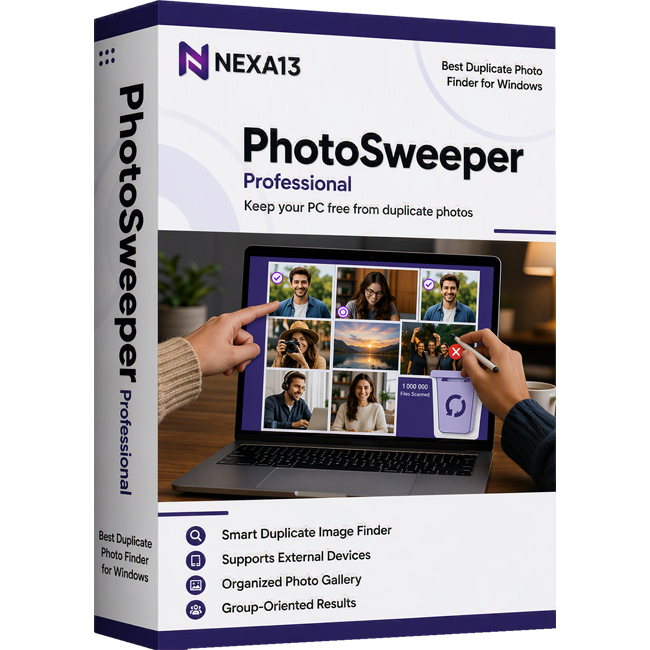
The Best Duplicate Photo Finder for Windows!
Nexa13 PhotoSweeper Professional is a professional duplicate photos remover tool that ensures an organized gallery and better storage space. This quick and effective duplicate photo cleaner for Windows recovers a large amount of valuable space on your computer and maximizes productivity with an organized gallery. Even the most well-performing computer can become sluggish after some time, due to the accumulation of duplicate photos. Since manually finding and deleting such pictures is practically impossible, you need a duplicate photo finder that can help you do it with ease.
Nexa13 PhotoSweeper Professional will find and deletes every trace of similar and twin photos from your computer without requiring any tedious efforts from your end.
Finds Duplicate Photos
As soon as you install the software, it runs a deep scan to find similar pictures from every hidden corner of your Microsoft Windows system. No twin or almost a twin image can escape from the intelligent algorithms that it employs. Moreover, it also allows you to set the image matching criteria to identify the correct duplicates.
Organizes Results in Groups
Chaos always results in errors, whereas well-organized things make the task seamless and decisions easy to make. With Nexa13's PhotoSweeper Professional, getting rid of space-hogging images becomes easier as it shows you the scan results in neatly organized groups so that you can effortlessly decide which pictures you want to delete and remove in no time.
Automarks Duplicate Images
Selecting the pictures can be a tiresome task if you need to select them one by one. Nexa13 PhotoSweeper Professional is among those rare duplicate photo removers that lets you mark all the images automatically with just one click.
Removes Identified Duplicates
With time, junk files accumulate and negatively impact PC performance. Therefore, it becomes crucial to clean junk from the computer to keep it in peak condition. Similar and exact image copies are the toughest to remove, but you need not worry, as Nexa13 PhotoSweeper Professional removes both identical and nearly identical pictures with ease.
Improves Storage Space
We all love taking pictures and often end up shooting the same scene multiple times. If left undeleted, these extra clicks pile up in our device and hog up the storage space. With Nexa13's PhotoSweeper Professional, you can remove every trace of duplicates from the PC to free up ample space for faster and smoother device performance.
Supports Multiple Formats
No matter what the picture format is, you can remove duplicates easily using Nexa13 PhotoSweeper Professional. It supports all major file formats, such as JPEG, TIFF, PNG, BMP, GIF, and more.
Nexa13 PhotoSweeper Professional is programmed with both experienced and novice users in mind. With this software, you can delete exactly similar pictures effortlessly. Simply, follow the below steps to do it: