
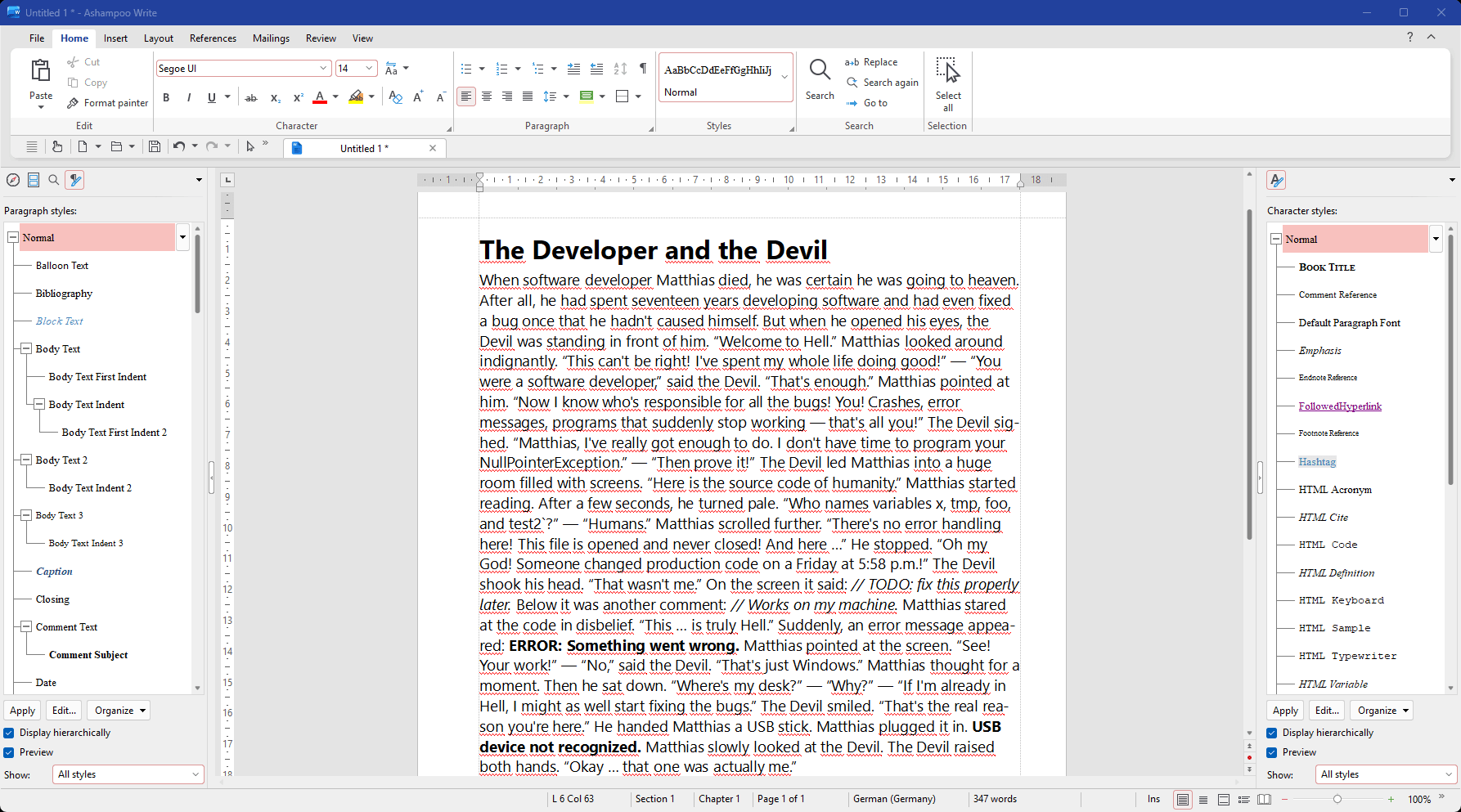
Ashampoo Office 27 provides everything you need for your daily work with documents, spreadsheets, and presentations. This powerful office suite combines a familiar user experience with extensive compatibility with Microsoft Office and a distinctly European design philosophy. Your documents can be stored locally on your PC and edited entirely offline, without any mandatory cloud usage.
If you use Ashampoo Office at home, you can run it on up to 5 PCs! A single license is enough to provide your entire family with a powerful office suite! If you use it commercially though, it's one license per installation.
Our Microsoft Word alternative offers a wealth of new options: Compare two documents side by side with synchronous scrolling, select multiple non-contiguous text ranges with the Ctrl key, and benefit from enhanced document change tracking! Create documents with embedded fonts that ensure your readers get the full experience even they don't have them installed! The new Book layout displays the first page of a document on the right in two-page view, table cells are now easily rotatable, and list numbering now supports right-alignment. Dummy texts can be created instantly and paragraph and character styles are now easily filterable. The best-in-class Word alternative has just gotten even better so what are you waiting for?
Write is the modern Microsoft Word alternative that lets you create and edit documents of any size, from greeting cards, business letters and brochures to your entire thesis. With miniature page previews and a clickable table of contents, you'll never lose track of your documents! The unique object mode allows you to freely place graphics, drawings and texts in your document, while the real-time word counter ensures you'll hit your target document length to a T. For experts, we've included SQLite and dBase support as well as bulk printing for XLSX files. Microsoft Word-compatible footnotes and endnotes within the same document enable high-level professional working. And because Write reads and writes DOCX natively, your documents are always compatible with all versions of Microsoft Word.
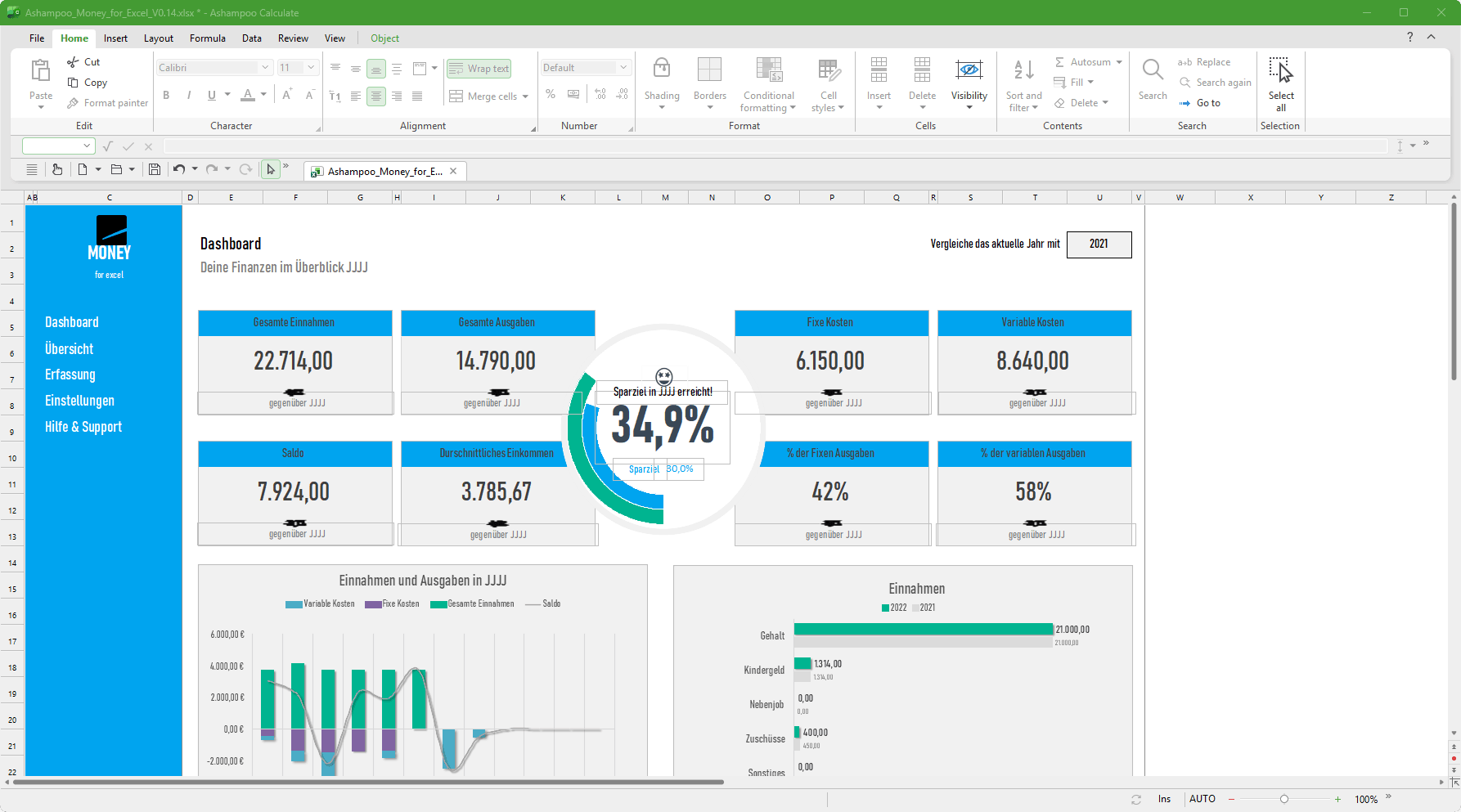
Creating complex calculations and charts in spreadsheets can be a hassle: Ashampoo Office Calculate makes it fun and engaging. From simple timetables to complex corporate financial documentation, Calculate is a drop-in Excel replacement with all the features and none of the inconsistencies. It features instant syntax highlighting and formula validation to help you spot errors in seconds. With over 350 calculations, easy table handling and support for giant datasheets with millions of entries, Calculate is ideal for any spreadsheet task. Pro-level features, like pivot tables, will satisfy even the most advanced of users. And printouts of finished spreadsheets are exceptionally easy to prepare, thanks to the new page break preview. Calculate uses the XLSX file format, the same format used by Microsoft Excel!
Calculate is the perfect replacement for Excel! Naturally, our spreadsheet application is greatly compatible with all Excel documents. That means no learning curve, no conversion, even for the latest file formats. Ashampoo Office 27 can import and export SQLite databases and offers more flexible handling of CSV files. Smart auto-filters help you sift through data by color and chart titles and labels can now be auto-generated based on cell data, just like texts in AutoShapes. Recalculations are a piece of cake with the Formula ribbon tab, and neither is sorting through custom lists in pivot tables! Make the switch to Calculate and work with all popular formats today. You won't regret it!
Stunning presentations: Ashampoo Present
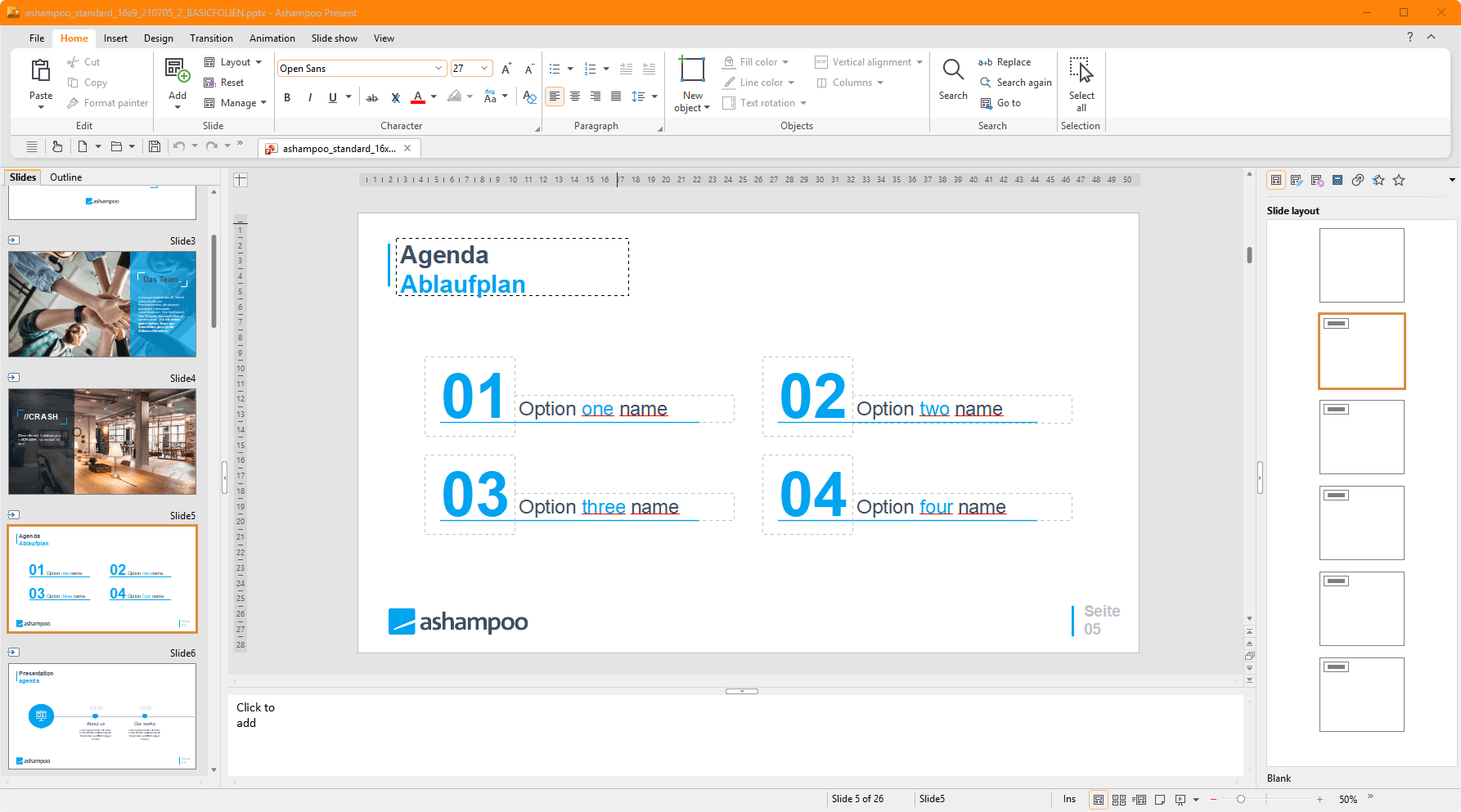
With easy handling and intuitive UI design, Present is the go-to replacement for PowerPoint. Version 27 features all-purpose dynamic slide transitions that are greatly compatible with PowerPoint! There is now an element for rotating table cells on the Table ribbon and fullscreen mode is more versatile thanks to togglable rulers. Create stunning and informative presentations without effort and enjoy great compatibility with MS PowerPoint!
Present is the powerful go-to replacement for PowerPoint that creates convincing presentations–even self-contained documents that play on any PC without additional software! With breath-taking animations, redesigned slide transitions, and a mature master slide system, Present can handle anything you throw at it! Create any number of master layouts and add placeholders with just a few clicks. This not only ensures a uniform and professional look but also enables great compatibility with PowerPoint. Numerous ready-made design templates that adapt to your needs at the click of a button will make your life so much easier. Sprinkle in graphics, charts, sounds, videos, and animations to make your presentations special and magical. The Media ribbon tab makes managing multiple objects a breeze. And since Present uses PPTX, your projects will instantly work with Microsoft PowerPoint.