
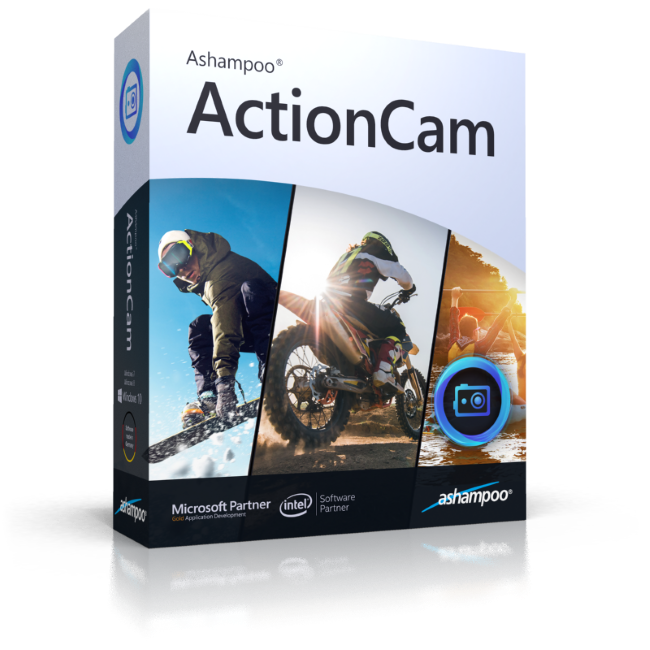
ActionCams are always on the scene even when things go wild or get slightly out of hand. The resulting videos are often shaky because the camera failed to stabilize them. That makes for interesting dynamics but can also make the viewing experience more stressful. Ashampoo ActionCam features next-gen video stabilization! Even handheld shots taken in full motion become more steady for a realistic, smooth viewing experience - at max resolution, naturally!
Put an end to lens distortions!
Wide-angle and fisheye lenses put viewers in the center of the action. Still, when watched on a computer or TV screen, many would rather switch back to "normal" vision. Ashampoo ActionCam fixes lens distortions like magic! The program includes a range of camera profiles, including the GoPro line, for distortion-free realistic visuals at the click of a button!
Powerful contrast and color optimization
Enhance video quality by optimizing colors and contrasts. In just a few clicks, your shots will look more vibrant, realistic and interesting. Use white balancing to make your videos appear warmer or colder and selective brightness, hue, shadow and light manipulation to add that extra individual touch. No matter where your videos come from, the multi-faceted optimization in Ashampoo ActionCam will help you create more stunning visuals. It's effective video editing at your fingertips!
Brilliant sharpness and lighting-fast processing
Fast-paced and drone-based shots are frequently lacking in sharpness. Ashampoo ActionCam features highly efficient sharpening to rid your footage of any perceived mist and haze. And built-in batch-processing helps you work even faster by processing multiple clips in one go!
The video cutting you need
Some programs feature humongous editors that take a lot of getting used to. ActionCam's video editor focuses on the tools you really need! Rotate and flip your videos by fixed or custom increments and use cropping to bring out the details in your shots. Export highlights individually or merge multiple clips into a single highlight reel!
Work with texts and effects
In many cases, comments and effects provide the final polish for your videos. Ashampoo ActionCam lets you add text and stunning effects like tilt-shift fuss-free. The latter employs selective blurring to create a miniature look that goes especially well with landscape footage. Unleash your creativity and a personal touch to wow your audience.
Become a speed master
Ashampoo ActionCam can alter playback speeds for your videos. Most action cams record at 60 fps, ample room for stunning slow-mo effects. Naturally, time-lapse is also on board, e.g. to speed up less important sections hassle-free and without the need for additional steps.
Perfect for camera drone fans!
But it doesn't stop with GoPro or other action cam videos. Drones offer fascinating views only pilots could experience a few years ago. Ashampoo ActionCam also edits drone footage with incredible ease and speed. Common issues like camera shakes, poor colors, contrast or sharpness are fixed in just a few clicks to help you conquer the skies (visually)!
Operating System
Software:
Processor
RAM
Graphics card
Other