
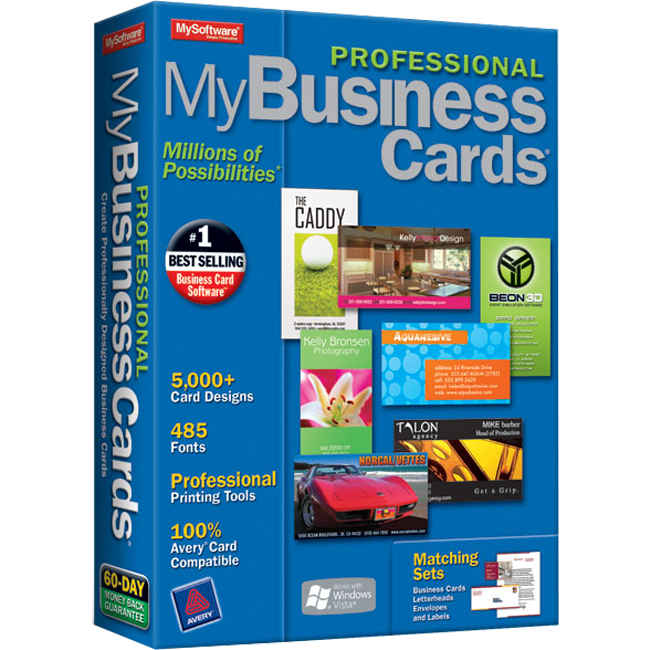
Why MyProfessional Business Cards?
Interested in creating professional business cards for your business but without the big investment required in time and money? Well, look no further than MyProfessional Business Cards. With thousands of professional designs, ranging from classic to contemporary, and advanced design tools that let you personalize your designs, you're minutes away from doing just that!
For Avery® compatible business cards, go to www.mysoftwareforms.com.
3 Easy Steps to Creating Great Looking Business Cards
1. Select - Choose from thousands of background designs and text styles or easily design your own from scratch.
2. Customize - Easily add text and company logos. Use the design tools to add shapes and color.
3. Print - Select colorful or plain business card stock. Works with inkjet and laser printers.
Easy-to-Use Card Designer
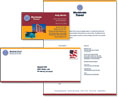
Matching Sets for a Consistent Company Look
Use hundreds of background designs and a wide variety of professional layouts to create matching business cards, letterheads, envelopes, and labels.

Email Your Business Card
Save your business card as a JEPG file. Attach it to an email and send it to your contacts.

Built-in Address Book
With the built-in address book, you can store business card data for multiple people within your company. Design your layout and then toggle between names. Print some or all cards by checking the box next to their name.

Image Effects
Take a clipart image and adjust to your liking. Change brightness and contrast. Invert, emboss, or blur the image for an entirely different look.

Text Art Feature
Take ordinary text and adjust it to create your own unique look. Warp, shadow, and colorize to your liking.

| Version | 7 |